OOONO CO-DRIVER
Warnings on the big screen.
Connect your CO-DRIVER to Apple CarPlay or Android Auto and get navigation, warnings, and hazard alerts directly on your car's infotainment display.
Important
Apple CarPlay and Android Auto are supported by every CO-DRIVER except
the CO-DRIVER NO1. If you have a CO-DRIVER NO1, these features are
not available.
Overview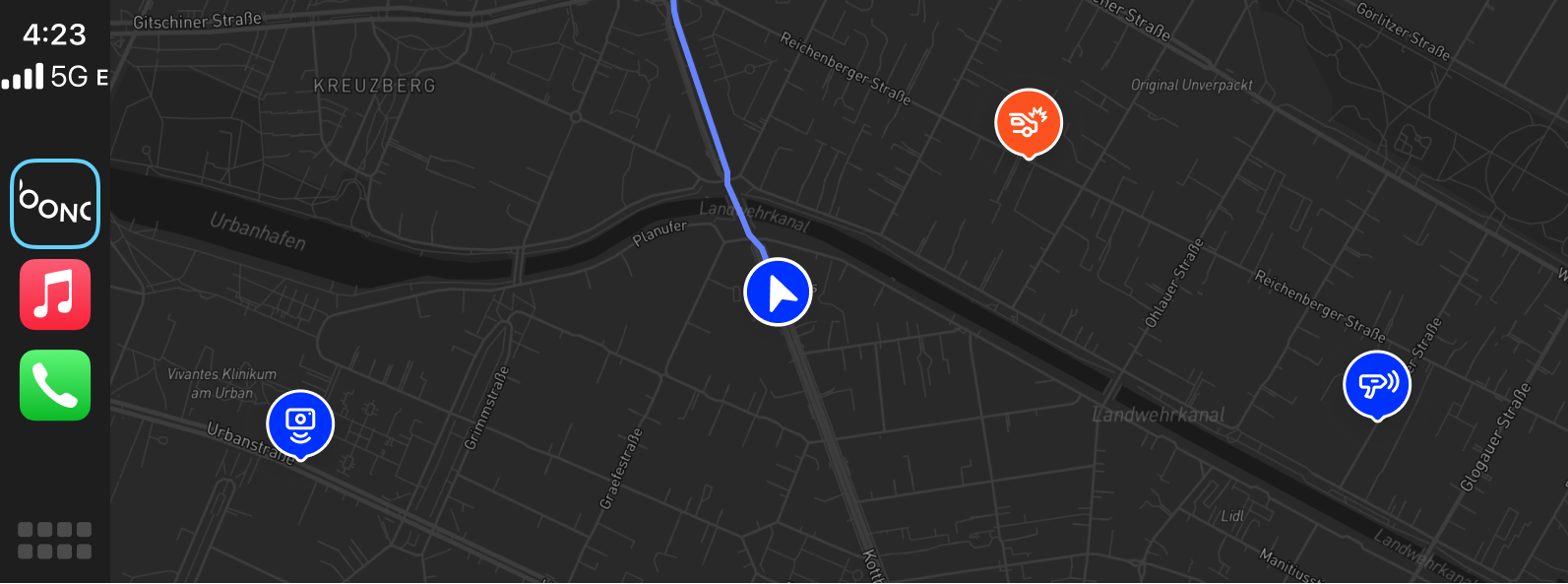
Yes. Every CO-DRIVER except the CO-DRIVER NO1 supports Apple CarPlay and Android Auto, letting you use the OOONO app's navigation directly on your car's infotainment system.
Connect your smartphone via Bluetooth or USB-C and everything the OOONO app provides is available on a bigger, safer screen — including navigation, real-time warnings, and the exact location of any hazards ahead.
Your car screen can show:
-
✓Navigation with nearby road hazards and speed cameras on the map
-
✓Real-time traffic warnings (notifications)
-
✓Visual indication and exact location of nearby warnings
Good to know
You will always receive warning notifications on the infotainment
screen as long as you are connected to your CO-DRIVER and have
enabled the relevant warning types in the OOONO app — even if the
app is running in the background. Your CO-DRIVER keeps warning you
at the same time, with sound and light or on the display of the
CO-DRIVER NO3.
More resources