OOONO P-DISC
The blue light: what it means and what to do.
A brief blue flash in parking mode is normal. Here's when to expect it — and what to check if something seems off.
Normal behaviour

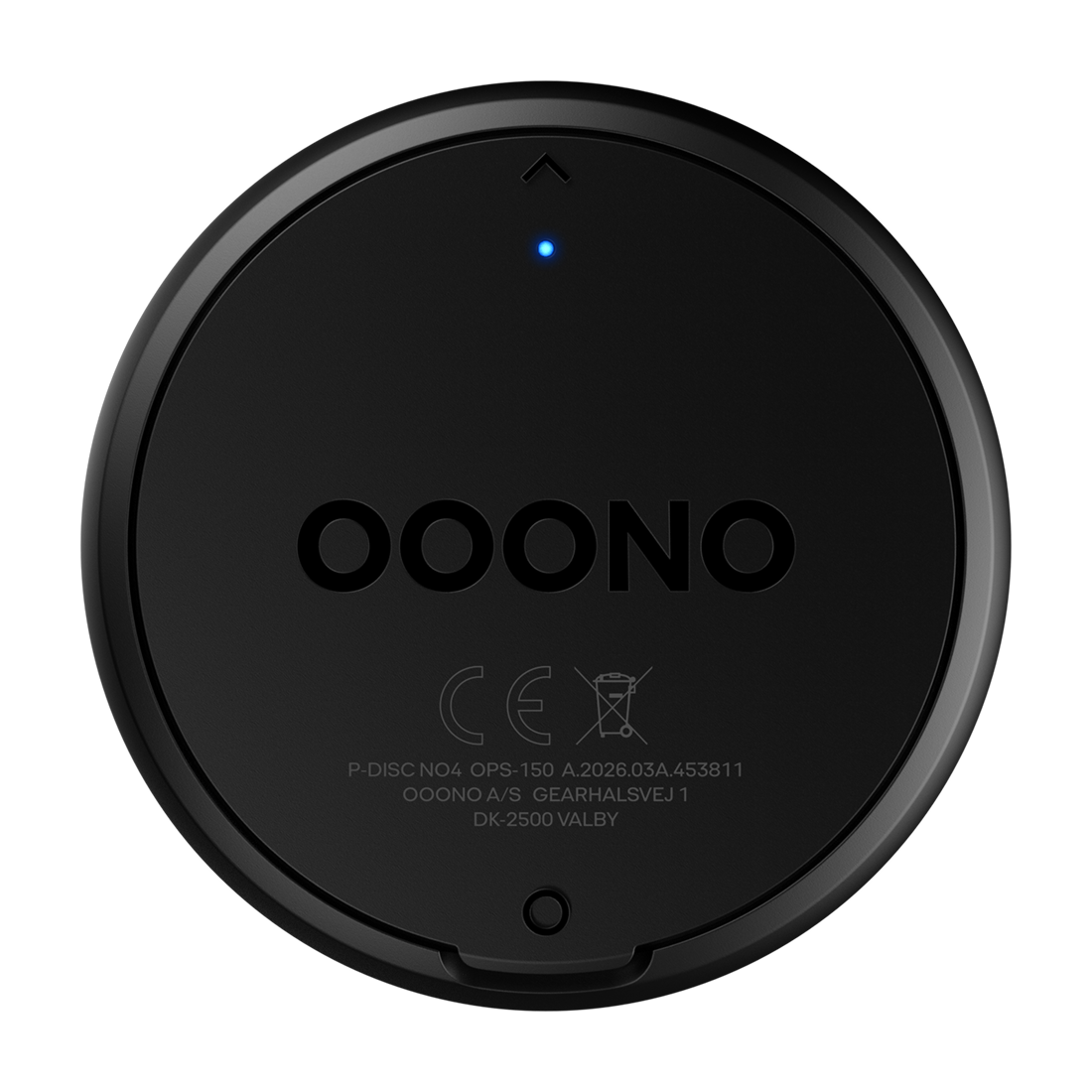
What the blue light means
P-DISC NO3
P-DISC NO4
-
✓The blue light should only flash when parking mode is activated — right after the vehicle is parked.
-
✓While driving, the light should be off and the display blank to save battery.
Note for electric and hybrid vehicles
In vehicles with low vibration levels — such as electric or modern
hybrid models — the device may briefly detect parking mode while
driving. This can occur at traffic lights, in stop-and-go traffic,
at very low speeds, or during smooth driving. Since these vehicles
produce minimal vibration compared to combustion engines, the sensor
may occasionally struggle to distinguish between driving and standstill.
Troubleshooting
What to do if something seems off
Check the battery
A low battery can cause unexpected blinking or prevent the display from activating in parking mode. If in doubt, try replacing the battery. When and how do I replace the battery?
Still not working as expected?
Reach out to our Support Team here — we're happy to help.
More resources